
How to preview fonts on a Mac without installing them
Select a .ttf or .otf file in Finder and press the space bar to see a preview. If Finder only shows the filename or icon, double-click the file to open a sample in Font Book. Close the window when you're done looking.
Preview font files in Finder
- Open Downloads or the folder where you saved the fonts. If the download ends in .zip, double-click it first and open the unpacked folder.
- Select a .ttf or .otf file and press Space. Finder opens Quick Look over the folder.
- To flip through a few files, select them together before pressing Space. Use the left and right arrows in the preview to move from one to the next. Press Space again to close it.
This is handy when a download contains separate files for Regular, Italic and Bold. Pick a few and flip through them before deciding which ones you need. Apple's guide to Quick Look shows the same controls for other files too.
Open a sample in Font Book
Double-click the font file in Finder. The window shows the font's name and a sample of letters and numbers. If a menu at the top lists several styles, pick one to see it in the same window.
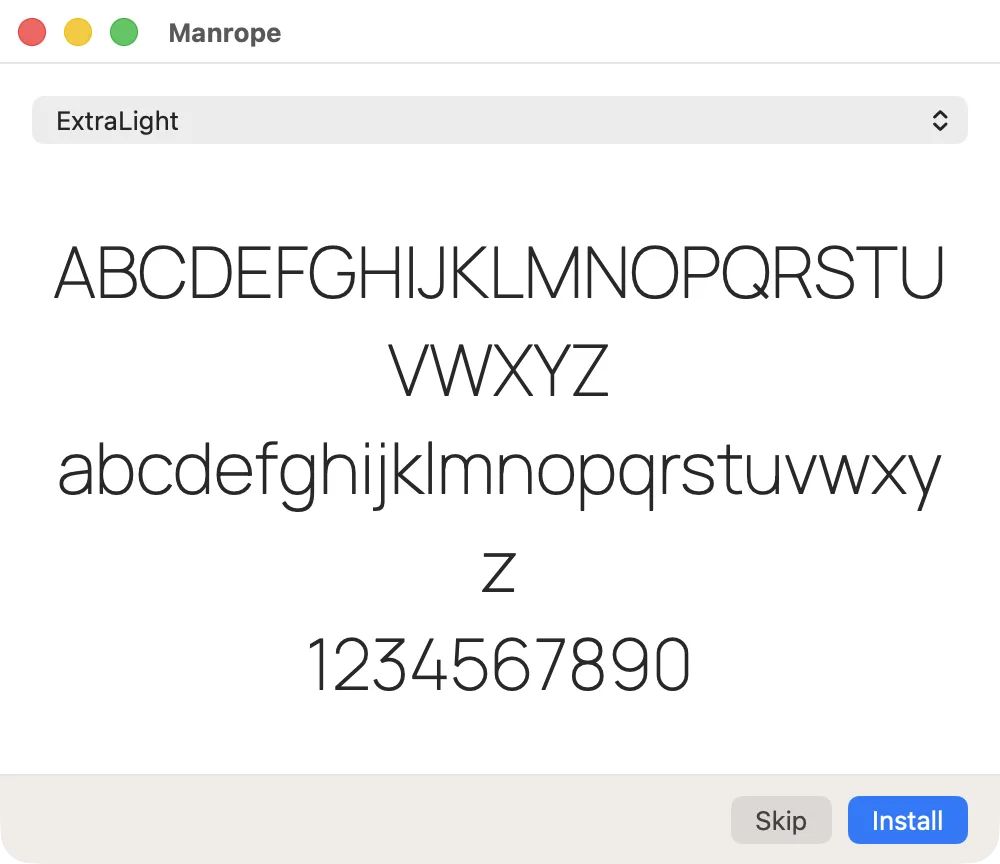
If another app opens when you double-click, Control-click the file and choose Open With, then Font Book if it's listed. For a file ending in .woff or .woff2, look for a .ttf or .otf download from the same source. Those are the formats to try first with Font Book on a Mac.
Compare a folder of fonts with your own text
A preview of the alphabet tells you what a font looks like. For a logo or a poster, it's more useful to see the words that will actually go in the design. Type the brand name or a line from the layout. Include the numbers, accents or punctuation the project uses, such as `Café Noël · 12 €`.
In SXfont, choose the folder with the downloaded files and type that line in the preview field. Each card shows your text in a different font, including fonts from subfolders. You can browse the cards before choosing which font to turn on for your design app.
Once you've picked a file, follow the steps to install a font on a Mac if you'd like to keep it in your Mac's font list.
Try SXfont free for 14 days, no card needed.
Download SXfont