
How to install a font on a Mac
Double-click the font file to open it, then click Install in the window that appears. Close and reopen any app you had open, and the font will be there.
Download and open the file
Most fonts come as a single file ending in .ttf or .otf. Find it in your Downloads folder and double-click it.
If you got a .zip file instead, double-click that first. It unpacks into a folder, and the font files inside are the ones ending in .ttf or .otf.
Click Install
Double-clicking a font file opens a small preview window with the alphabet in that font. Look at the bottom of the window:
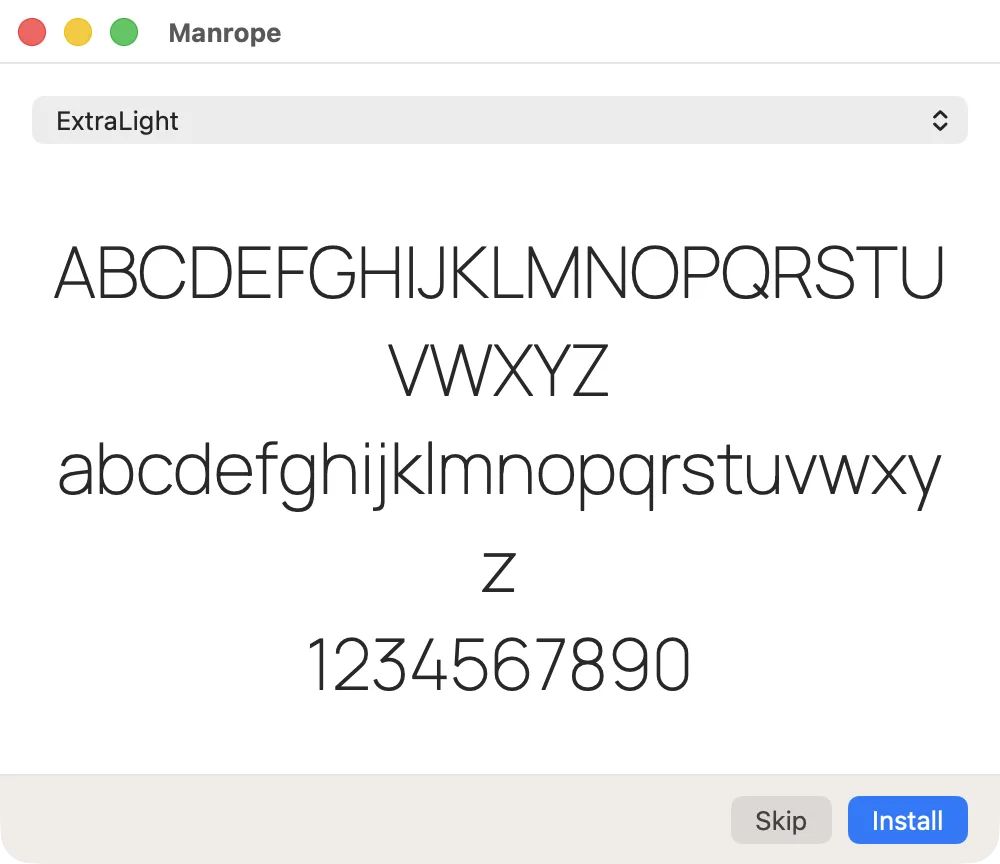
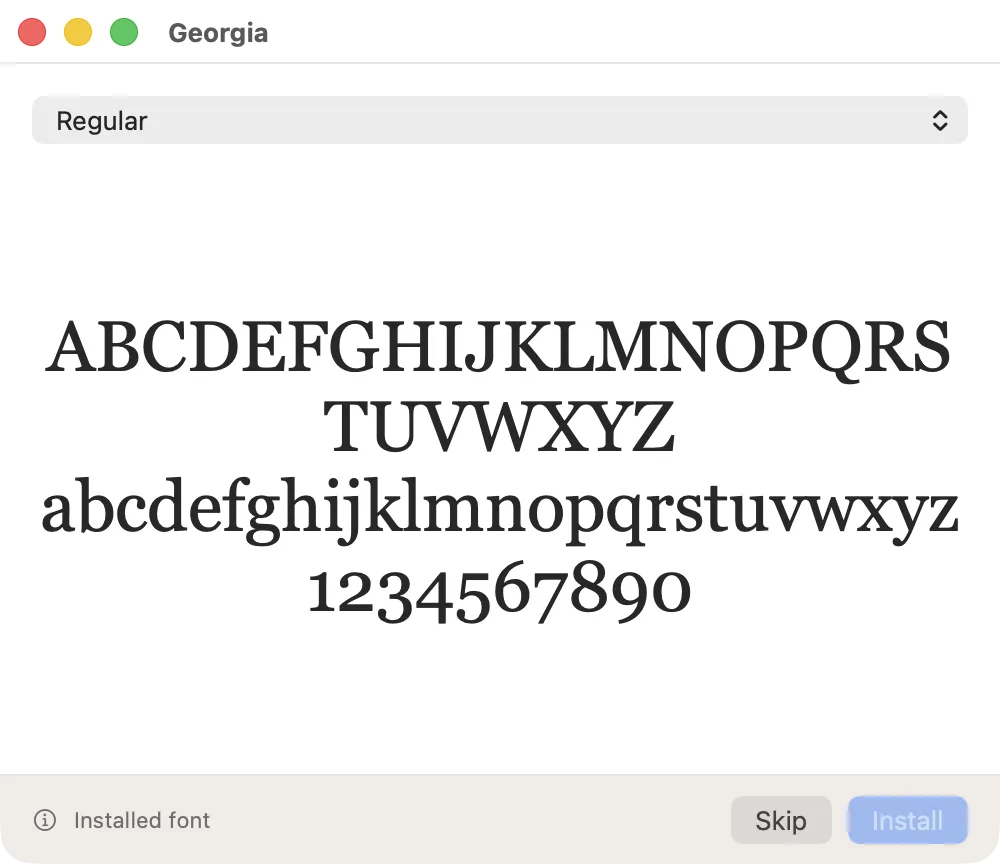
If the button says "Installed font" and is grey, you're done, the font is already on your Mac.
Everyone on this Mac, or just you
By default the font installs only for your own account. If other people use the same Mac and need the font too, open Font Book (search for it with Spotlight), go to Settings, open the Installation tab, and switch from "Current User" to "All Users". That needs an admin password.
If the file won't open
- Wrong file type. Files ending in .woff or .woff2 are for websites, not for apps on your Mac. If that's all you have, look for a .ttf or .otf version from the same source.
- It's actually a folder. Some downloads are a folder with several font files inside (different weights: Regular, Bold, Light). Open the folder and double-click each file you need.
- Nothing happens. Try right-clicking the file and choosing Open With, then Font Book.
Installed, but the app doesn't show it
- Restart the app. If you had Photoshop, Word or another app open while installing, close it completely and open it again.
- Search by its real name. The name an app lists may differ from the file name. Use the name shown at the top of the preview window from the pictures above.
For Photoshop, Illustrator and InDesign specifically, there's a longer checklist in fonts not showing up in Photoshop or Illustrator on Mac.
Using Font Book for more than installing
Font Book is also where you remove fonts, find duplicates, and see every font already on your Mac. What it can and can't do is covered in Font Book on Mac: what it can do and when you need a font manager.
If you install fonts often
Installing one font at a time works fine for a handful of fonts. Once you're downloading dozens, every font sits in one long list, installed or not. SXfont shows your font folders as cards with your own text, so you can see what a font looks like before deciding to install it, and switches fonts on by itself in Photoshop, Illustrator, InDesign and other apps when a document needs them.
Try SXfont free for 14 days, no card needed.
Download SXfont